CREATING PROJECT-NEXUS
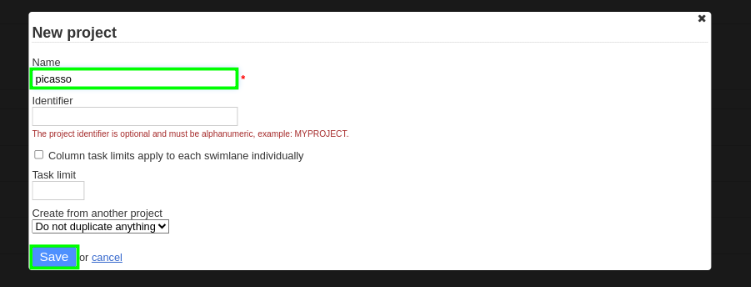
Creating New Project:
1.Go to My Projects
- give your Project Name.
- identifier is not mandatory.
2.Save it
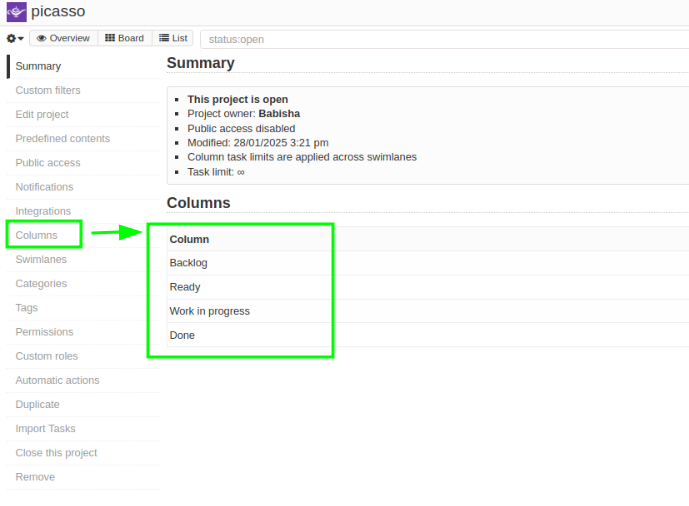
3. If you want to edit your project column
- Go to right side and press the column and edit .
- Save the file.
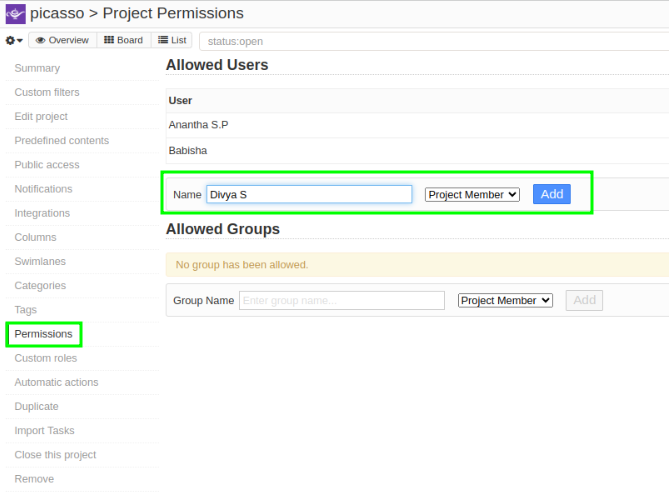
4.Project Permission
1.Go to Permission
- give name and Project Member and add.