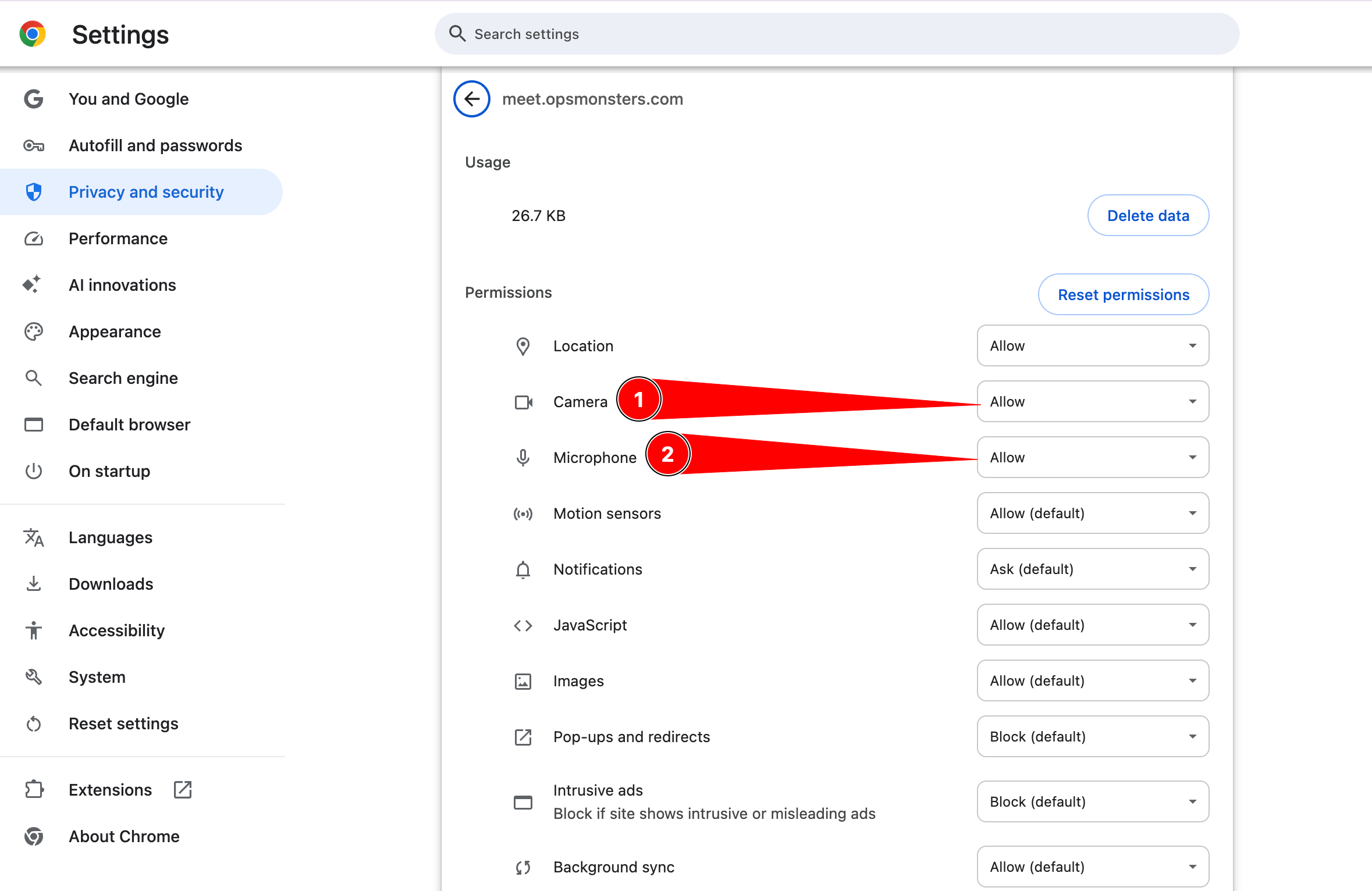
Microphone Acess
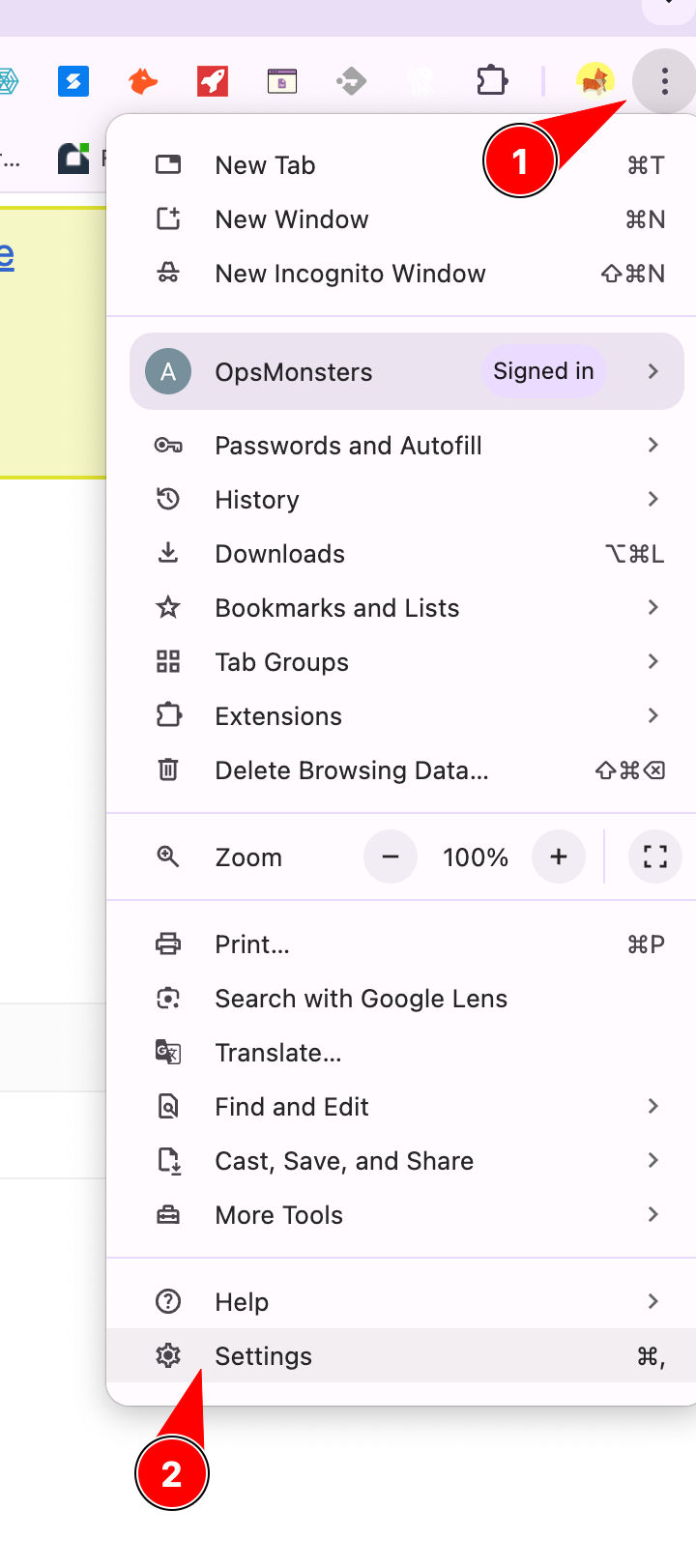
Open your Chrome browser, click on the three dots on the right side.
At the bottom, you’ll find ‘Settings.’ Click on it.
It will show the Settings page. Scroll down, and you’ll find ‘Privacy and Security.’ Click on it.
Under ‘Privacy and Security,’ click on ‘Site Settings.’ Then, find and click on ‘Microphone’ and give the necessary permissions.”