
Slack Setup in Laptop/Mobile Phone
1, Configure Slack in Desktop (Laptop)
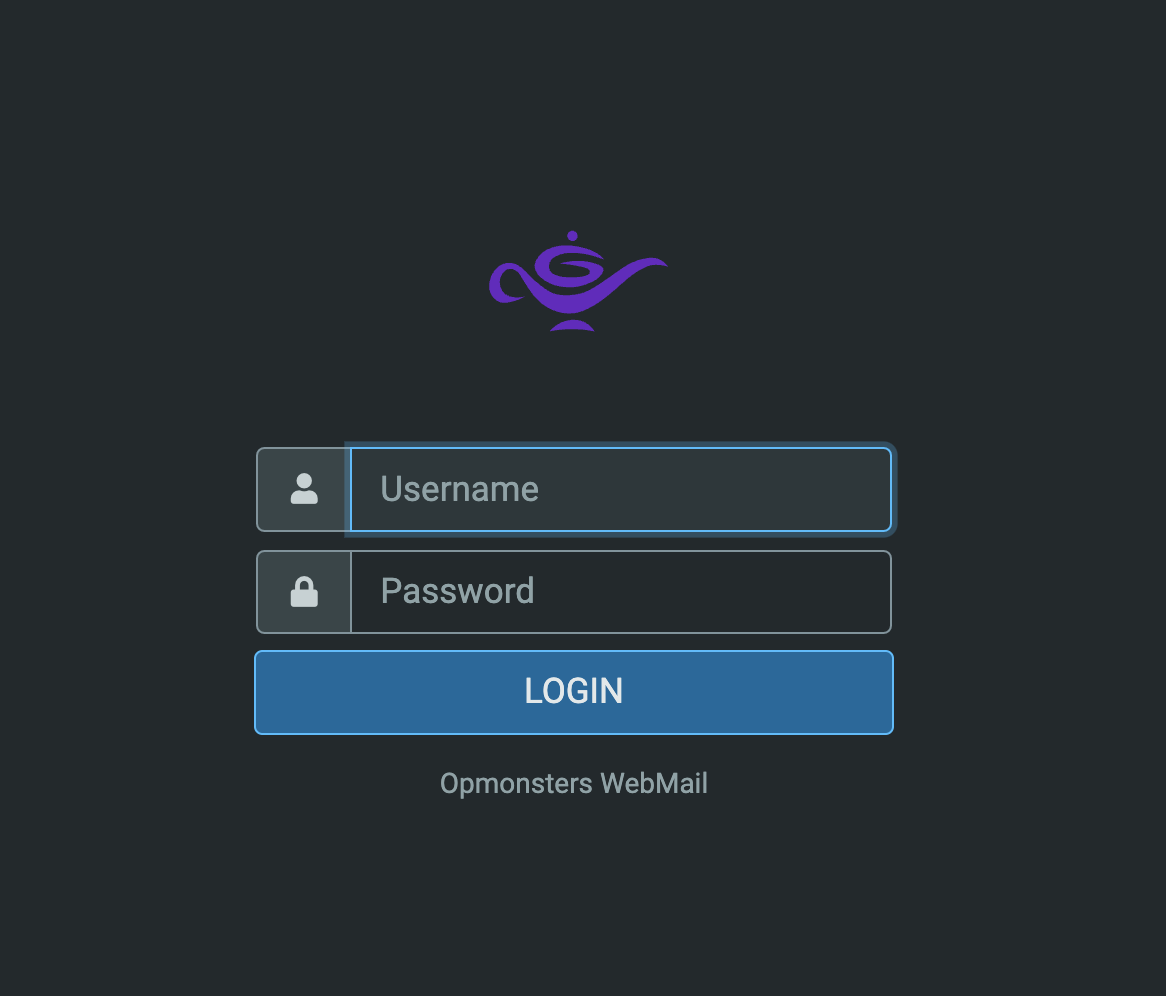
Step 1: Login to Email
Go to https://inbox.opsmonsters.in
Username: Your official email ID
Password: password
Step 2: Install Slack
Download and install Slack on your laptop
Step 3: Sign in to Slack
Open Slack and sign in with your official email ID
Enter OTP received in your email
Step 4: Join OpsMonsters Workspace
Enter your full name and select join
2. Configure Slack in Gmail (Android)
To set up your work email on your Android device using Gmail, follow these steps:
Step 1: Add New Account
Open Gmail App
Tap "+" or "Add account"
Select "Exchange and Office 365"

Step 2: Login
Enter your official email ID and password
Enter Email ID
Enter Password
Step 3: Configure Server
Change server to: mail.opsmonsters.in
Tap "Next"

Step 4: Finish Setup
Follow prompts to complete setup
Step 5: Install Slack
Download and install Slack from Play Store or the App Store.
Step 6: Sign in to Slack
Open Slack and sign in with your official email ID
Enter OTP received in your mobile email
Step 7: Join Opsmonsters Workspace
Enter your full name and select join